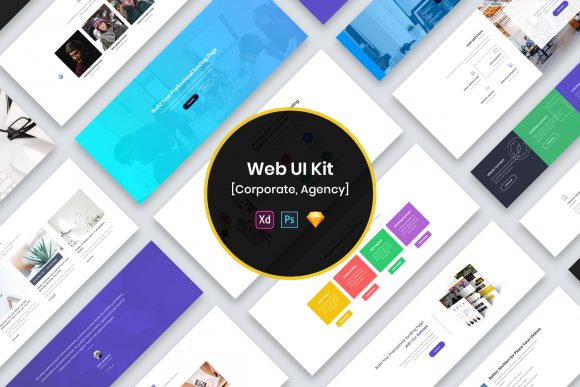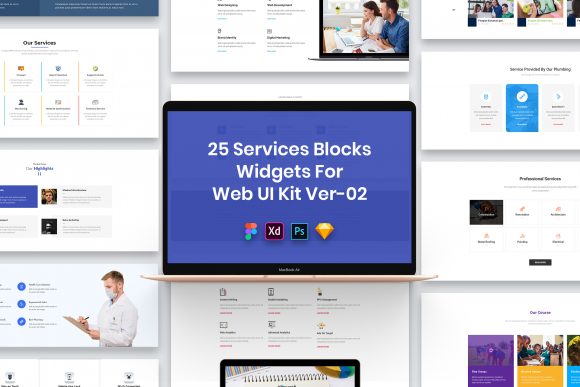
Evaluating the 25 Services Blocks Widgets for Web UI Design Kit
In the landscape of modern web design, efficiency and consistency are paramount. Designers and developers often face the challenge of creating unique service sections that communicate value clearly without reinventing the wheel for every project. The 25 Services Blocks Widgets for Web UI represents a curated collection of interface elements designed to address this specific need. This resource provides a foundational set of components intended to streamline the workflow for professionals building service-oriented websites, landing pages, or application dashboards.
Understanding the utility of such a kit requires looking beyond the surface-level aesthetics. It is essentially a toolkit comprising twenty-five distinct layouts or "blocks," each tailored to showcase services, features, or offerings. These widgets are not merely static images; they are functional design assets available in four major industry-standard formats: PSD, Figma, Sketch, and Adobe XD. This multi-format approach ensures compatibility with virtually any design workflow, allowing teams to integrate these elements regardless of their preferred software ecosystem.
Core Characteristics and File Organization
The primary value proposition of this UI kit lies in its structural integrity and organization. A common pain point with free or low-cost design resources is disorganized layering, which makes customization tedious. In contrast, this collection emphasizes well-organized layers. Each widget is constructed with a logical hierarchy, grouping related elements such as icons, typography, and background shapes. This structure facilitates rapid editing, enabling designers to swap out content, adjust colors, or modify spacing without disrupting the overall composition.
The design philosophy adheres to a minimalist aesthetic. By stripping away unnecessary decorative elements, the widgets focus on clarity and readability. This approach is particularly effective for service blocks, where the goal is to convey information quickly. The elements are described as purposeful, meaning every component serves a specific function in guiding the user's eye or communicating a message. Furthermore, the files are pixel-perfect, ensuring that the designs render sharply on high-resolution displays, including Retina screens. This attention to detail is crucial for maintaining a professional appearance across different devices.
Typography plays a significant role in the effectiveness of these widgets. The kit utilizes free fonts, removing licensing barriers for commercial projects. While the font files themselves are not always included directly in the package due to licensing restrictions, the download typically includes a "Fonts Used" file containing direct links to the typefaces. This transparency allows users to install the correct typography before opening the design files, ensuring the layout renders exactly as intended.
Strategic Benefits for Design Workflows
For agencies and freelance designers, time is a critical resource. Utilizing a pre-made set of 25 Services Blocks Widgets for Web UI can significantly reduce the initial drafting phase of a project. Instead of starting from a blank canvas, a designer can select a block that closely matches the client's requirements and adapt it. This shift from creation to customization allows more time to be spent on higher-level strategic decisions, such as user experience flows and brand alignment.
The fully customizable nature of these files supports diverse branding needs. Whether a project requires a corporate blue palette or a vibrant startup gradient, the vector-based elements and smart object layers in PSD files allow for seamless color and shape adjustments. The inclusion of multiple file formats further enhances collaboration. For instance, a team might use Figma for real-time collaboration while a developer prefers inspecting specs in Adobe XD. Having the source files in all these formats eliminates the need for potentially lossy format conversions.
Important Considerations and Limitations
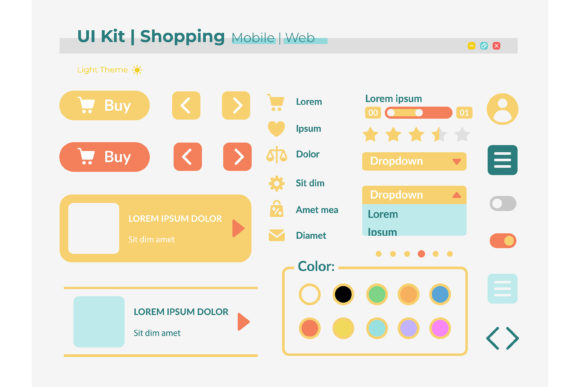
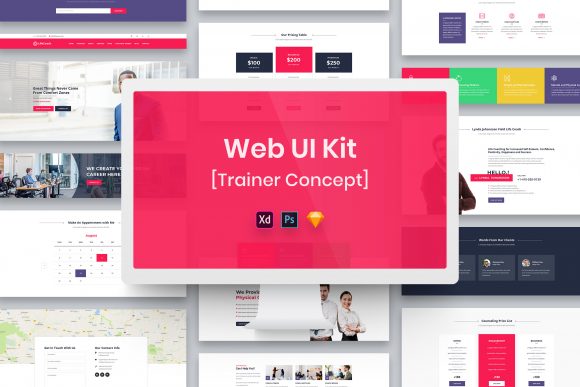
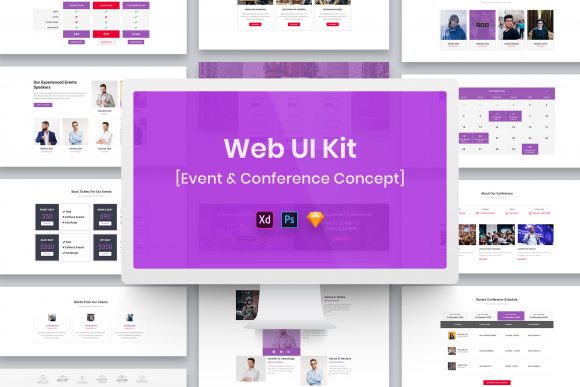
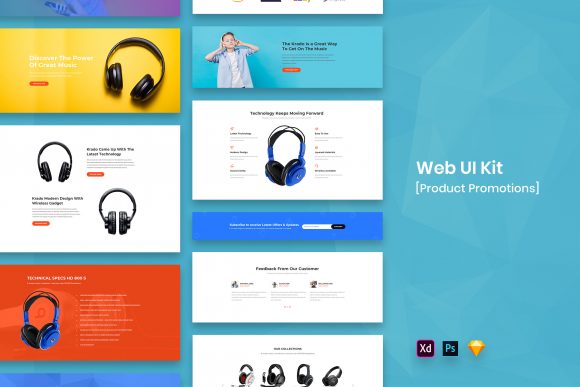
While the benefits are substantial, potential users must have realistic expectations regarding the scope of the download. It is vital to note that images, vectors, and mock-ups seen in preview presentations are often used for demonstration purposes only and are not included in the actual download files. Users will need to source their own imagery or icon sets to populate the widgets. This is a standard practice in the industry to avoid licensing conflicts, but it does mean that the final look of the project depends heavily on the quality of assets the user brings to the table.
Additionally, while the design is professional, the minimal style may not suit every brand identity. Companies seeking highly illustrative, complex, or avant-garde visual styles may find the clean, structured nature of these widgets too restrained. In such cases, these blocks might serve better as a wireframing base rather than a final visual solution. Users should evaluate whether the minimalist approach aligns with their brand guidelines before committing to the kit.
Ideal Use Cases and Alternatives
This UI kit is a strong fit for several specific scenarios. It is particularly valuable for:
- Startup Landing Pages: Where speed to market is essential, and the focus is on clearly listing core offerings.
- Corporate Websites: Which require a clean, trustworthy, and standardized presentation of departments or services.
- Portfolio Projects: Designers looking to build case studies quickly without spending excessive time on UI minutiae.
- Prototyping: Teams needing to visualize service structures during the early stages of product development.
However, there are situations where alternatives may be worth considering. If a project demands a completely unique, non-grid-based layout or heavy animation integration from the design stage, a bespoke design approach or a more advanced interaction-design library might be preferable. Similarly, if a team relies exclusively on a code-first workflow using frameworks like Tailwind or Bootstrap, they might prefer a component library that offers direct code snippets rather than design files, although these widgets can still serve as a visual reference for coding.
Making the Decision
Selecting the right design resources is a balance between cost, time, and creative freedom. The 25 Services Blocks Widgets for Web UI offers a pragmatic solution for professionals who value organization and versatility. The inclusion of four file formats and the emphasis on well-structured layers make it a robust asset for a wide range of workflows.
Before downloading, users should assess their capacity to source complementary imagery, given that preview assets are excluded. If the goal is to accelerate the design process while maintaining a high standard of visual cleanliness and editability, this kit aligns well with those objectives. It serves as a reliable foundation upon which unique brand identities can be built, provided the user understands that the true value lies in the flexibility of the structure rather than the specific placeholder content shown in previews.
Ultimately, this resource is best viewed as a productivity multiplier. It removes the friction of setting up basic service layouts, allowing designers to focus on what truly differentiates a project: the content strategy, the user journey, and the unique brand story being told. For those navigating the tight deadlines of modern web production, having a set of purposeful elements ready to deploy can be the difference between a rushed job and a polished, professional delivery.